Create a Blog Logo for your Lifestyle Blog and make your branding game strong. This Blog Logo Tutorial will teach you to make your customized logo using free resources.
So now, you have decided to launch a blog – you have some content ready and have got a theme in mind too. But what about your blog’s identity? Yes, one of the first things you should do before publishing your blog is to create a blog logo for your lifestyle blog. This logo will be used almost everywhere that is related to your blog of social media.
Think of the blog’s logo as your signature. Use it on your social media graphics, on your blog graphics, and even in your email signature. You will find my logo in almost everything I put up on social media.
Logo Designing? That’s a graphic designer’s job right?
It’s strange right, a logo always doesn’t have to be an extravagant one. If you need a customized design for yourself or your blog with elements that will tell your story – that will create your identity – you must take professional help.
I do Logo Designing for brands and Blogs you can check that on my portfolio. You can connect with me through the form or email me at twinklingtina {at} gmail {dot] com.
However, when you are launching your blog, and don’t want to invest way too much, you can always use a distinct font and shapes to create a simple text logo for yourself! That’s what I’m sharing with you today.
Sometimes less is better.
What are we learning in this Logo Designing Tutorial?
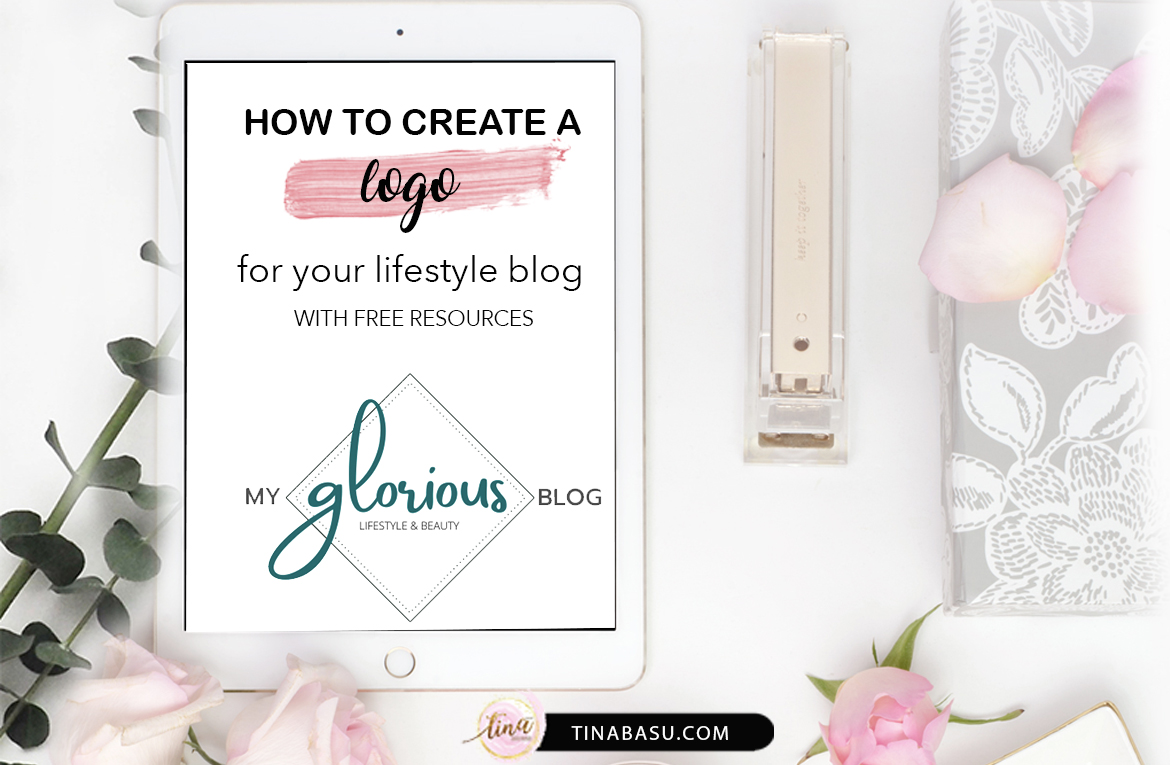
We are going to do two variations of the same logo. A fancy horizontal text logo that can be used as your header – on blog, social media, visiting cards etc. Like the one below.

And a submark logo which is a smaller format of the main logo that can be used for watermarking your photos on blog or social media.

Always watermark your photos – it’s your intellectual property – you don’t want anyone misusing it.
I don’t have a damn idea about Design Software! What the hell?
No worries, you have Canva! I am doing this blog logo design on Canva because its very popular with bloggers. You can use any other similar service.
I am using all free fonts and graphics. No need to go pro.
Pro Tip: You can use Canva Pro for a month for free. So if you need good graphics/fonts, go Pro and then cancel after you are done!
P.S. This post is not sponsored, nor does it have any affiliate links! Just some Knowledge Transfer and good Karma!
But if you have good Photoshop Skills or you know how to work on Illustrator or Indesign – please make use of that. In that case, you have even download premade layouts and tweak it according to your choice and customize for yourself.
What to keep in mind while Designing a Blog Logo for your Lifestyle Blog?
- Be authentic
- Keep Simplicity
- Readable Font
- Pleasing color palette
I am a graphic designer and have handled one of India’s biggest FMCG brand’s outdoor and in shop branding for close to 6 years.
Take it from me – jarring colors, extremely twisty curly “script fonts” gives you sore eyes. So please be considerate, don’t end up making bright Red and Yellow Logo for your lifestyle blog, because you are not a news channel, you are not in a shop with 10 competitors on the same shelf.
Go easy.
Features of a good Logo
- Easily Readable
- People should easily recognise it as your blog’s identity
- It should reflect the color and mood of your entire blog and the content you create
Tips for choosing color palette
- Do you write content for the female audience – choose feminine colors
- DO you write content for kids – choose pastel kids colors
- DO you have a food blog – choose 1 bright color
And so on.

Ok done. How do I start designing the logo?
So let’s say we have a blog called My Glorious Blog. It is a lifestyle blog by a girl in 30s! And she writes about Lifestyle and Beauty.
#1 So how is she going to position her blog’s identity?
- Her blog’s for the female audience
- She reviews luxury products
- She does DIY, makeup posts/videos
- She has a very clean theme in her posts
- She is positioning her brand as a Luxury Lifestyle Blog
#2 Now choosing the theme
- Clean design with intricate little work
- No bright color
- Feminine touch
Please keep in mind, feminine touch is NOT PINK! I have had clients who only wanted pink. That was the brief – I want a PINK LOGO!!!! Or a client asking for a Blue Logo only because his competitor has a red logo! It doesn’t work like that.
“The strongest logos tell simple stories.” —Sol Sender

Now Let’s Open Canva for the Actual Logo Design
- Log in to your Free Canva Account
- Hit Logo design from the options and choose “Create a Blank Logo”
- For the Text Header Logo hit “Text” and choose the font “Amsterdam Two” and write the word “glorious” (or whatever if your hook word in your brand’s name)
- Choose the color from your palette. #02696d

- Add the rest of the text in the font “Prompt Medium” and choose a muted color. I am choosing a dark grey color.
PRO TIPS: Focus on only one part of a Text Logo. I am choosing a script font for the glorious and going with easy fine straight fonts.

- Now choose Text> Add a little bit of Body Text
- Add your tagline “Lifestyle & Beauty”
- Choose a simple thin font. I am using “Open Sans Light”
- Now go to Elements > Monoline Elements and add a shape to give a sense of composition to the text logo.
- I am adding this diamond shape and placing it in a way to encompass the word glorious.
- Go to position and hit Backward so that the shape is behind the text “glorious”
- Push the words “My” and “Blog” to align properly at the angles of the diamond shape.
- Align “Lifestyle & Beauty” Tagline to the centre.
- Save it as PNG. The default size will be 500 X 500 px.

So your Text header is ready. It has a white background but that’s okay if you want to use it as a header. To remove the white background you can use sites like Remove White Background
Now Let’s Make the Sub Mark Logo
- Use the same shape from Monoline Elements
- Write mgb in lowercase (short form of the brand name) in the same brand color
- Let the tails of “g” and “b” hang out of the shape to give it a dimension.
- Write the full text “My Glorious Blog” and align it to the line of the shape using the rotate tool.
- The full name is in the font Open Sans.
- You can make this in brand color, single color (full black or full white) to use as a watermark
- Save it in a similar way as the header and remove the white background using any of the online sites.
Tada!! Your header logo and sub mark logo are ready! And you didn’t have to spend a dime!
A Beautiful Lifestyle Blog Logo ready in minutes and you can boast about your creativity!

Where all can you use this Logo?
- Do you create Pinterest images? Use the Sub Mark logo there
- Use the text logo for your Blog’s Header
- Use it in your business card / visiting card or letterhead if you use it (will do a separate post on it)
- Use it in your media kit (will do a separate post on it)
- Any Social Media Images
- Any printable/downloadable content you give in your blog as freebies
Reinforcing the logo in multiple ways will only create your identity bolder and better.

So did you like this Blog Logo Design tutorial?
Let me know what other kinds of tutorials you would like to see on this space.
Till next time.
Cheers.
I am Taking my Blog to the Next Level with BlogChatter’s #MyFriendAlexa
I am sharing some Blogging Tips & Tricks that I practice. Hoping you will enjoy it.
Find me in Twitter Facebook & Instagram.


41 comments
Very helpful. I’ve been thinking of getting a logo for my blog as well. These tips really help
What are your rates to create a logo? Message me please?
Tina, this is very helpful.post and must say you have explained each step in deatiled manner. Shall try it out for our blog.
This was a very helpful post. I also use canva to create my blog feature image and such. Such a easy and powerful tool it is!
Thank you for sharing your creative thought process.
I enjoyed reading about your tips to create a logo.Looks great Tina.
This is such a helpful post for everyone who is looking for getting a logo done by themselves. Thanks for sharing such invaluable tips.
This is really helpful. I love your color palette
these are some great tips thanks a lot. I’m going to make use of canva in my blog too.
I made my logo watching your tuorials. Even while creating fav icon I refered to your post. Your tips has always helped me. Keep writing such posts.
Now that is awesome really a informative and great read.
Thanks a lot for sharing this piece of knowledge because I was really looking for something like this to create my own logo
This is so cool. I loved your design over here. I absolutely love Canva, have been using and experiencing it since past 3 years now. I use it to create my social media posts, blog banner.
Wow these are some cool tips… I m trying to draw my blog logo these days… Your blog make it easier now… Will try canva pro now
This is amazing, Tina. I am all in to try designing the blog logo for gleefulblogger.com 🙂 this is going to be a fun ride. thanks to you for these easy peasy tips
Thanks for these Logo creation ideas, really helpful
You are a pro, Tina. You make tedious works look so simple and doable. I am gonna try this and get back to eat your head if I am stuck somewhere.
You’ve explained it so simply, Tina. I am going to follow your step by step instructions to create my blog logo now. Thanks so much.
Wonderful post. It took me so much time to design my logo. Wish I had read your post before.
Very useful tips for anyone starting with their brand/blog. Logo does tell half the story. Do check & share your view on our blog logo 🙂
Thank you, Tina, for such a detailed step by step explanation to prepare a logo. It is certainly very useful.
this so helpful post, I was wondering how to make logo for my blog. i will save this post and I am waiting for media kit post. I want to know about media kit.
How cool is this Tina, never thought making blog logo could be so easy
I am bookmarking this. This is a super super post. The way you have explained every aspect of logo making with detailed instructions is amazing. Enjoying this series. Keep the amazing work going.
#MyFriendAlexa #ContemplationOfaJoker #Jokerophilia
I had to save this for future reference. I really want to revamp my look and take my blog to better heights. However, I’m not very tech savvy in the deeper levels required to make logos and such. Thanks for this informative post that will get me on track!
Thanks for this, Tina.
I don’t have a logo yet for my “living” website. I’ll def’ be consulting this article soon.
Thanks for sharing this guide. I now know who to contact for my blog logo 🙂
This is such an in-depth post on Logo designing. Thanks for sharing all the steps and characteristics to keep in mind.
Wow this is amazing. This looks so interesting. I have used canva before as well. I would love to design my blog myself with your tips. Great post.
Might definitely works for bloggers. Some great tips!
I’m still trying to figure out my style, I have a habit of thinking of something then wanting to change it later. So I need to spend a lot of time building my blog first then go back and make the logo.
That is so awesome!!! I will need to work on a logo for a new business soon.
Thanks for all the tips! I’ve been wanting to change my brand logo for years now!
I have designed my blog logo years ago on Canva by using my creativity and general knowledge only. you have shared such an amazing and detailed tutorial for blog logo designing. it will help a lot to many new bloggers who are not well versed with canva and designing skills.
This article is great especially for newbies. Canva has been my go-to as well when it comes to this stuff and it has truly been helpful. It’s a one stop shop for all your creative needs.
This was really helpful I do wanna create a logo for my youtube channel
But it seems too hard
I will try again with these steps
I have studied and work in graphic designing in past. Logo designing is such a fun task and it lets open the knots in brain. I loved your creative approach for even non designer people who can create logos for their blogs easily ❤️
A logo is the perfect way to put a face to the ideas behind your content. The logo design must be relevant to our audience, regardless of whether it’s a lifestyle, fashion, or travel. Great thoughts.
Creating a website logo is important. And not being from a designer background, it became more difficult. Thanks for sharing this informative article.
Wow, thank you for sharing these great tips! This is such a helpful post for anyone looking to create a logo on their own. Your creative approach makes it easy for non-designers to follow along and create a logo for their blog. Thank you again for sharing such an invaluable topic!
Wow, I was looking for some tutorials for making easy blog logo. This is perfect. I am going to create one for my page too. Thank you dear.
This is an informative piece of writing, and since I am working with Logo Designer PK in Karachi, this can also be valuable for my other fellows, as it contains useful and informative content. Thanks for allowing us to read it.